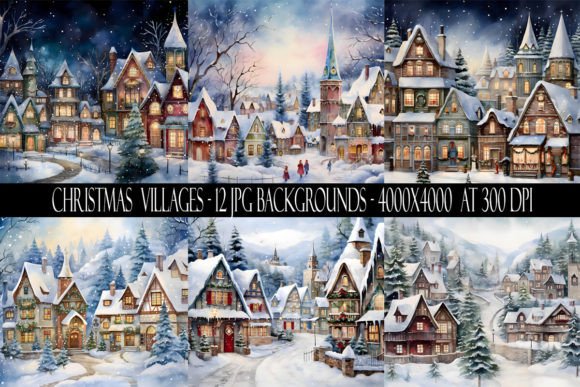
Enchanting Christmas Village Backgrounds for Festive Designs
Unwrapping the Visual Charm of the Christmas Village Collection
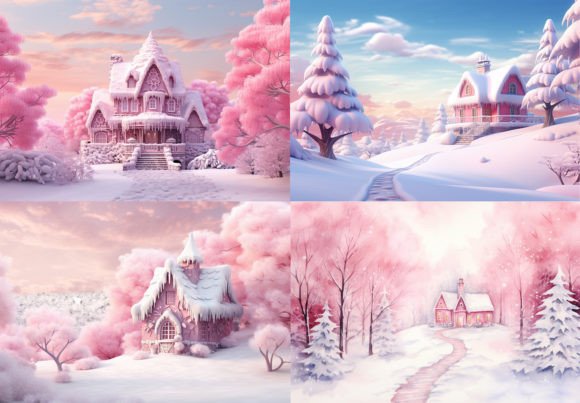
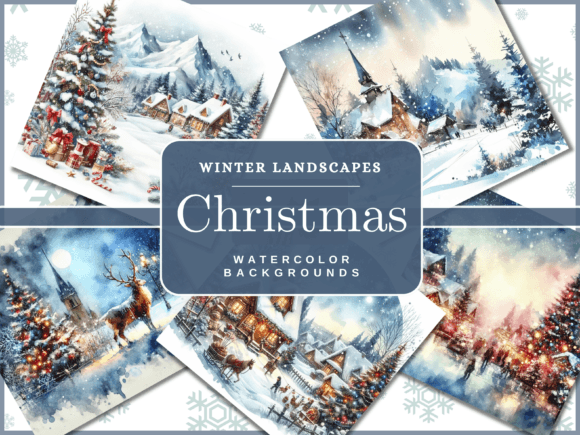
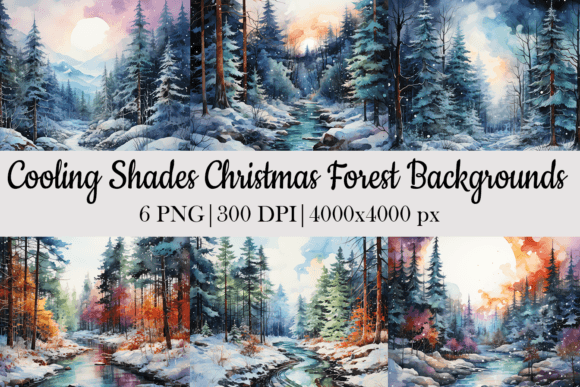
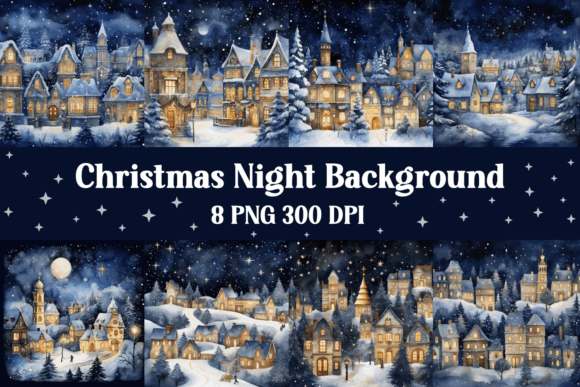
There’s a unique magic to a Christmas village scene—the tiny glowing windows, the dusting of snow on rooftops, the quiet, storybook charm that instantly evokes warmth and nostalgia. This collection of Christmas Village Backgrounds captures that feeling perfectly in a versatile digital format. It’s not just a set of images; it’s a toolkit for creating instant atmosphere. Each of the 12 JPG designs is a carefully composed vignette, offering a classic, illustrative style that feels both timeless and inviting. The appeal lies in its balance: detailed enough to feel premium and handcrafted, yet clean enough to serve as a functional backdrop for text, graphics, and layered design elements. Think cozy cottages, evergreen trees laden with snow, and soft, glowing lights against a twilight sky. This is modern typography’s perfect companion—backgrounds that provide context and emotion without competing for attention.
Where These Digital Papers Shine: Real-World Applications
The true value of any design asset is its versatility. These Christmas Village Backgrounds are engineered for practical use across a wide spectrum of projects, making them a staple for the holiday season. For small business owners and marketers, they are ideal for creating cohesive social media graphics, email newsletter headers, and promotional banners that need to convey holiday spirit quickly. A café owner could use one as a backdrop for their seasonal menu, while a boutique might feature it in an Instagram story showcasing gift ideas.
For designers and publishers, the 4000 x 4000 pixel dimension at 300 dpi is a significant advantage. This high resolution ensures crisp output for both digital and print-on-demand projects. Imagine using these as the base for holiday card designs, printable wall art, or journal covers. The non-seamless format is perfect for standalone compositions, like the cover of a holiday planner or the background of a website hero section. Content creators and bloggers can use them to frame festive articles, create Pinterest pins, or design podcast episode artwork, establishing a consistent and recognizable brand identity throughout the holiday season.
Even for personal projects, the applications are boundless. Crafters can print them for scrapbooking, create custom gift tags, or use them as a base for digital invitations. The commercial and print-on-demand licensing removes the guesswork, allowing you to incorporate these backgrounds into products you sell without licensing hurdles. This makes the collection a practical investment rather than just a decorative one.
Integrating Christmas Village Backgrounds Into Your Design Workflow
Adopting a new set of assets is about more than just liking the visuals; it’s about understanding how they function within your existing toolkit. Here’s how to think about integrating these backgrounds effectively.
Font Pairing and Visual Hierarchy
The illustrative nature of these backgrounds pairs beautifully with specific types of typefaces. To maintain readability and a balanced visual hierarchy, consider pairing them with clean, strong fonts. A crisp sans serif font like Montserrat or Open Sans for body text provides excellent contrast against the detailed scenes. For headlines, a elegant serif font with a hint of tradition, such as Playfair Display or Lora, can complement the classic village aesthetic. Avoid overly ornate script fonts or handwritten fonts for large blocks of text, as they can become difficult to read. Instead, reserve them for short, impactful quotes or logos where personality is paramount. The key is to let the background set the scene and the typography deliver the message clearly.
Evaluating Fit and Testing
Before committing a background to a major project, test it. Place your primary text or logo element over the image. Does it stand out? If not, you may need to add a semi-transparent overlay—a solid color, a gradient, or a subtle texture—to create a dedicated “quiet zone” for your text. The high resolution of these files allows for cropping and zooming without significant quality loss, so don’t be afraid to focus on a specific section of a village scene to better frame your content.
Think about the mood you’re setting. A snowy night scene conveys quiet elegance, while a daytime village with brighter colors feels more joyful and bustling. Choose the background that aligns with your project’s specific emotional tone. For a corporate holiday greeting, a serene scene might work best. For a children’s party invitation, a brighter, more playful vignette could be ideal.
Leveraging the Licensing
The included commercial and print-on-demand license is a powerful feature. It allows entrepreneurs and creators to use these backgrounds as part of physical products—like mugs, posters, or tote bags—sold on platforms like Etsy or Redbubble. This transforms the digital pack from a design tool into a potential revenue stream. Always ensure your final design adds substantial creative input; the background should be a component of a larger, original work, not the entire product itself.
In a crowded digital landscape, having access to high-quality, thematically cohesive design assets